Guide · Latest
What to Check After Updating WooCommerce to Avoid Checkout Failures
Use this WooCommerce post-update checklist to verify product, cart, checkout, shipping, payment methods, test orders, logs, and production safely.
Read the guide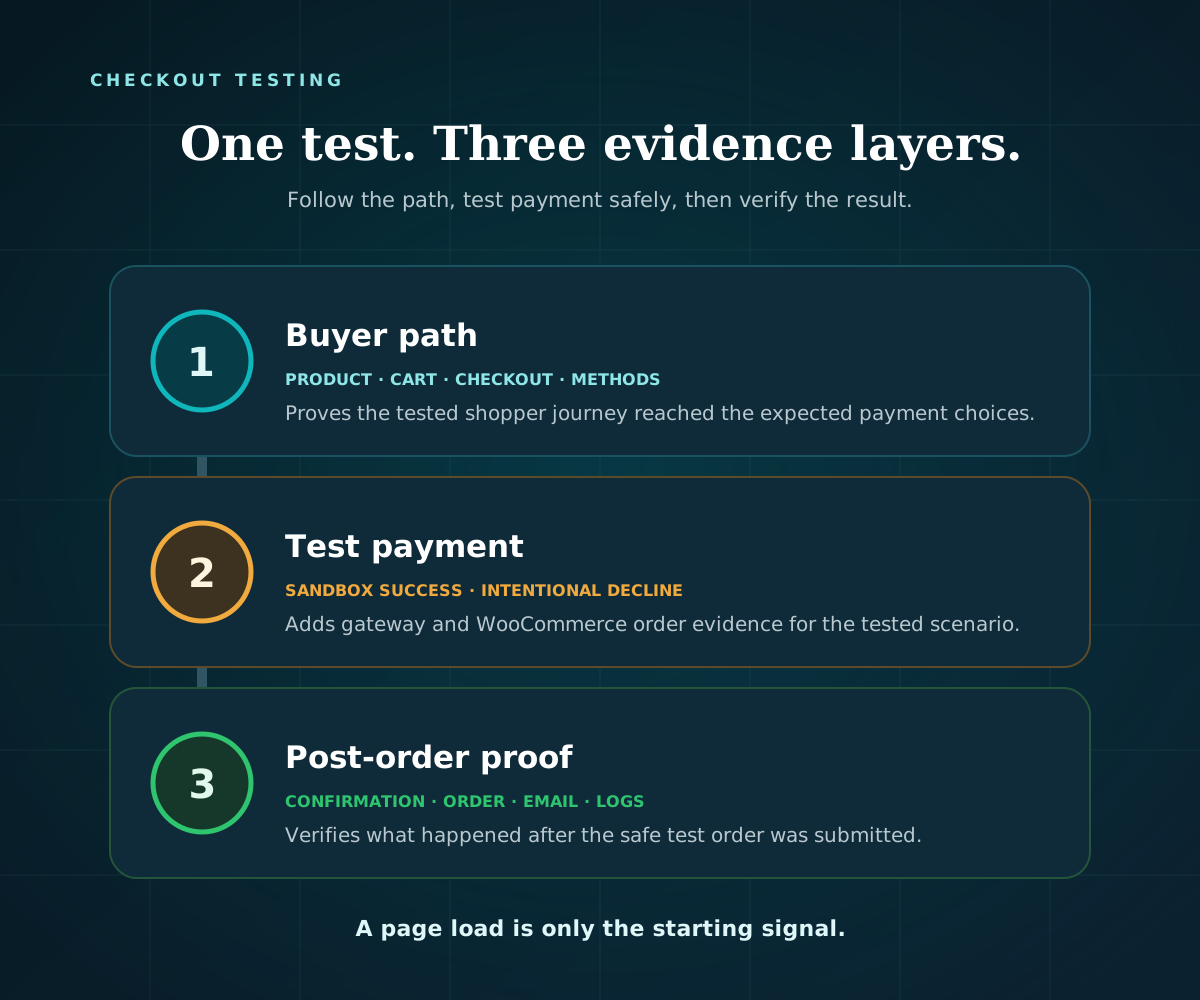

Practical guides for testing payments safely, spotting silent failures, and checking the full path from cart to order—written for store owners and agencies.
Use this WooCommerce post-update checklist to verify product, cart, checkout, shipping, payment methods, test orders, logs, and production safely.
Read the guide 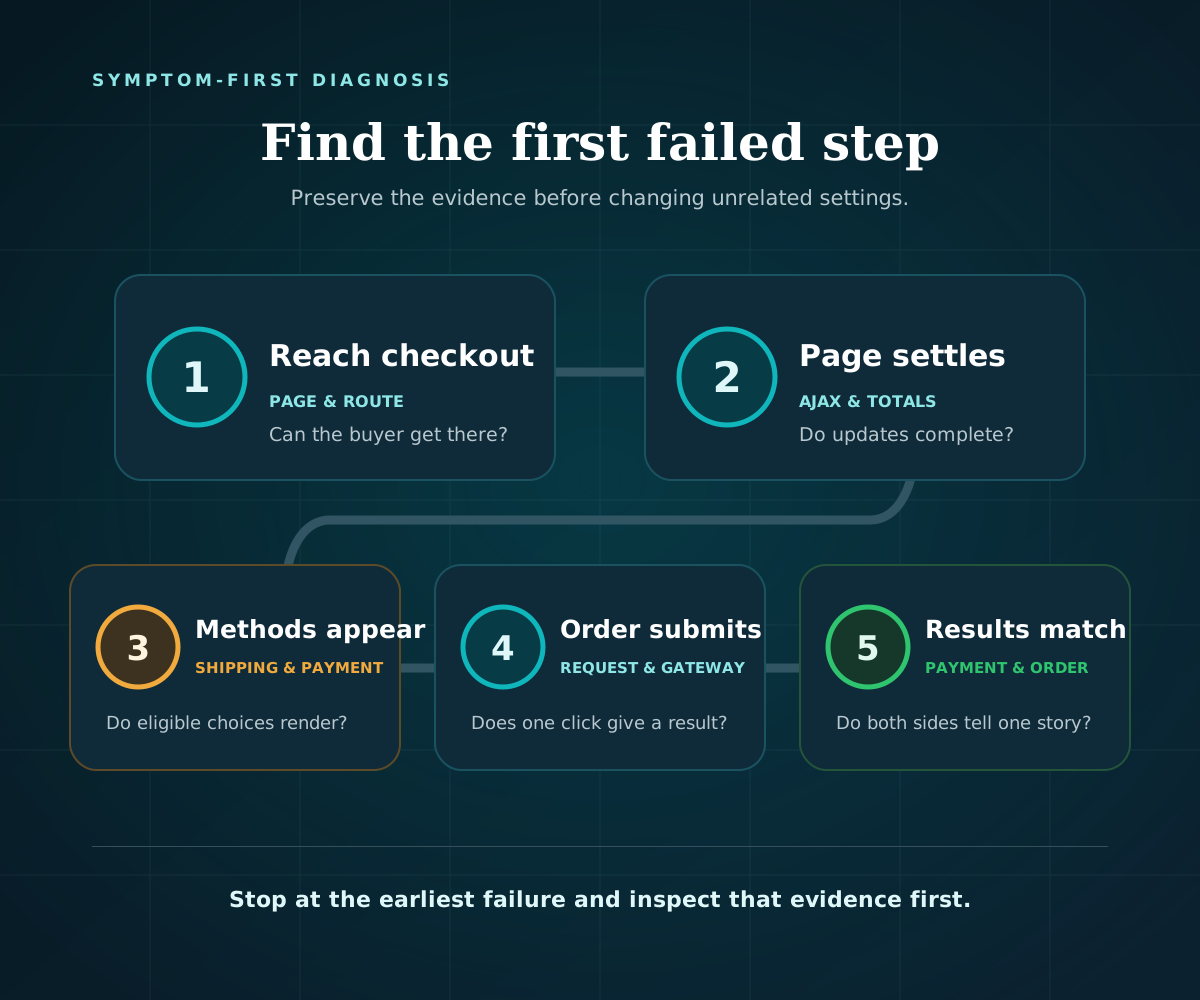 Guide
Guide Learn how to separate normal cart abandonment from a broken checkout using funnel data, functional tests, WooCommerce order evidence, and a safe decision path.
Compare uptime and checkout monitoring, learn what each check proves, and choose a safe way to monitor your WooCommerce buying path.
Guide WooCommerce Checkout Blocks not working? Diagnose missing fields or payments, loading errors, page setup, Place order failures, and conflicts safely.
Diagnose a WooCommerce failed payment using order notes, gateway evidence, safe retry rules, and a decision path for declines and status mismatches.
Guide WooCommerce says no payment methods are available? Check gateway setup, cart and address eligibility, Checkout Blocks, logs, and conflicts safely.
Learn what WooCommerce checkout monitoring checks, how it differs from uptime, where safe tests stop, and how to respond to a failed journey.
Guide Find why WooCommerce checkout is not working. Follow a safe decision path for page, cache, shipping, payment, button, order, and log issues.
Test WooCommerce checkout without charging a real card. Follow a staging-first checklist for payments, orders, emails, logs, and cleanup.
Run one free external checkout test. You get the exact result — passed or the failed step, with a screenshot — and the check stops before payment.
Run a free checkout test